Text straight from BaniDB
Lines come word for word from the Khalis Foundation’s BaniDB, never retyped or generated.
Search a shabad by its words, first letters or meaning and add its lines to your video. The text always comes straight from BaniDB and is never typed, generated or changed.
How it works
Search in English letters, ਗੁਰਮੁਖੀ, first letters or by meaning.
Gurmukhi, transliteration and English translation, line by line, on the shots you choose.
Your visuals, your kirtan audio and captions that never alter the text.
What you get
Lines come word for word from the Khalis Foundation’s BaniDB, never retyped or generated.
Words in English letters, ਗੁਰਮੁਖੀ, first letters, or meaning.
Gurmukhi, transliteration and translation together, in your channel’s style.
Upload your own recording and fit the shots to it.
Questions
From BaniDB by the Khalis Foundation. Lines are used word for word; Chenab never types, generates or changes Gurbani.
Made for
Write a song, cast your own characters and animate every line. Words light up as they are sung, and every picture is checked before it is used.
Explainers, stories and countdowns: Chenab writes the script, voices it, fills every scene with AI clips or free stock footage and publishes on a schedule.
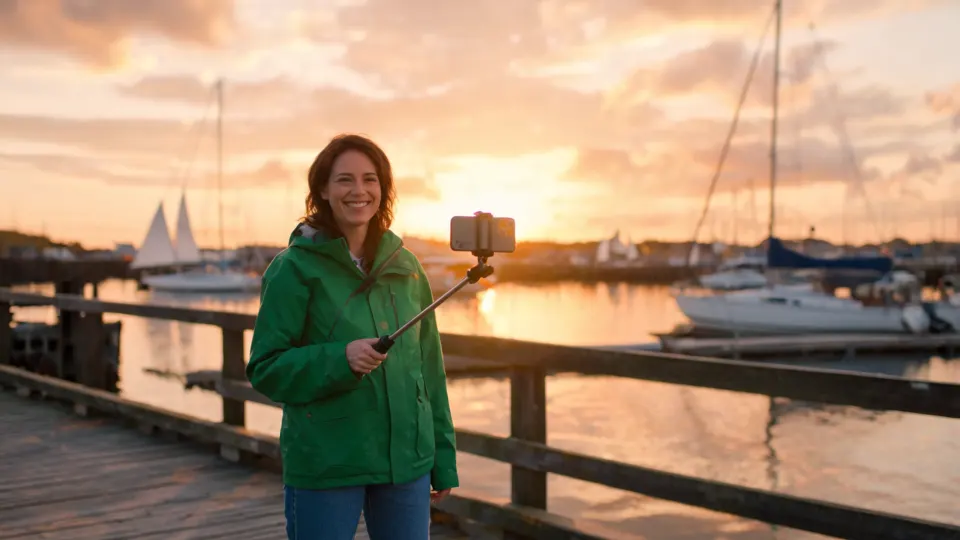
Give Chenab a place and an angle. It plans the walk, puts your host in every scene, mixes in real footage and cuts the best moments into Shorts.
Write a hook, cast a character and get a 9:16 video with bold word-by-word captions and music. Download it and post it anywhere, or cut Shorts from a longer episode.
Upload your track or make an original one. Chenab plans shots for every line, fits them to the music and adds lyrics that light up as they are sung.
Describe your product or offer and get a short promo with your logo, colours and fonts, a voiceover and captions, in wide, vertical and square sizes.
Turn notes or a topic into a clear video with a presenter who stays the same, a narrator, AI scenes and stock footage, and captions for every word.
Keep each client in their own workspace with their brand, cast and channels. Your team makes the videos; client admins approve before anything goes live.
Get started
Make a channel, a cast and an episode before you pay anything. No card needed for the free plan.